indigitall Omni AI
 Start chat with AI agent
 Speak with AI voice agent
 Book a Demo


 Speak to an Expert











Channels / Push Notifications
Be Everywhere,
Anytime With Smarter
Push Notification Software
 Push Notifications
Powering millions of omnichannel interactions every single month.


SOLUTIONS
Teach A Classic Channel
New Tricks
Why indigitall

Drive Higher Conversions
Send push with an image and a direct link to the app screen or web page that matters.

Automate Without Effort
Launch welcome, retargeting or loyalty pushes that go out on their own: at sign-up, after an event or after a set time without visits.

Reach Every Device
Web push reaches desktop, tablet and mobile even when the user is not on your site, and app push even when the app is closed.

Pick the Right Moment
Send at the best time for each user, with Best Moment, or as they approach your store, with geofencing.
SOLUTIONS
Unified Engagement Across
Platforms
Get a demo

Web Push
Communications that open in the browser of all devices: desktop, tablet and mobile.
 PC
- Smartphone
- Tablet

In-App Push
Direct notifications addressed to mobile devices inside native apps.
- Smartphone
- Tablet

Wallet Push
Notifications sent to smartphones, where the brand’s card is added.
- Smartphone
- Tablet
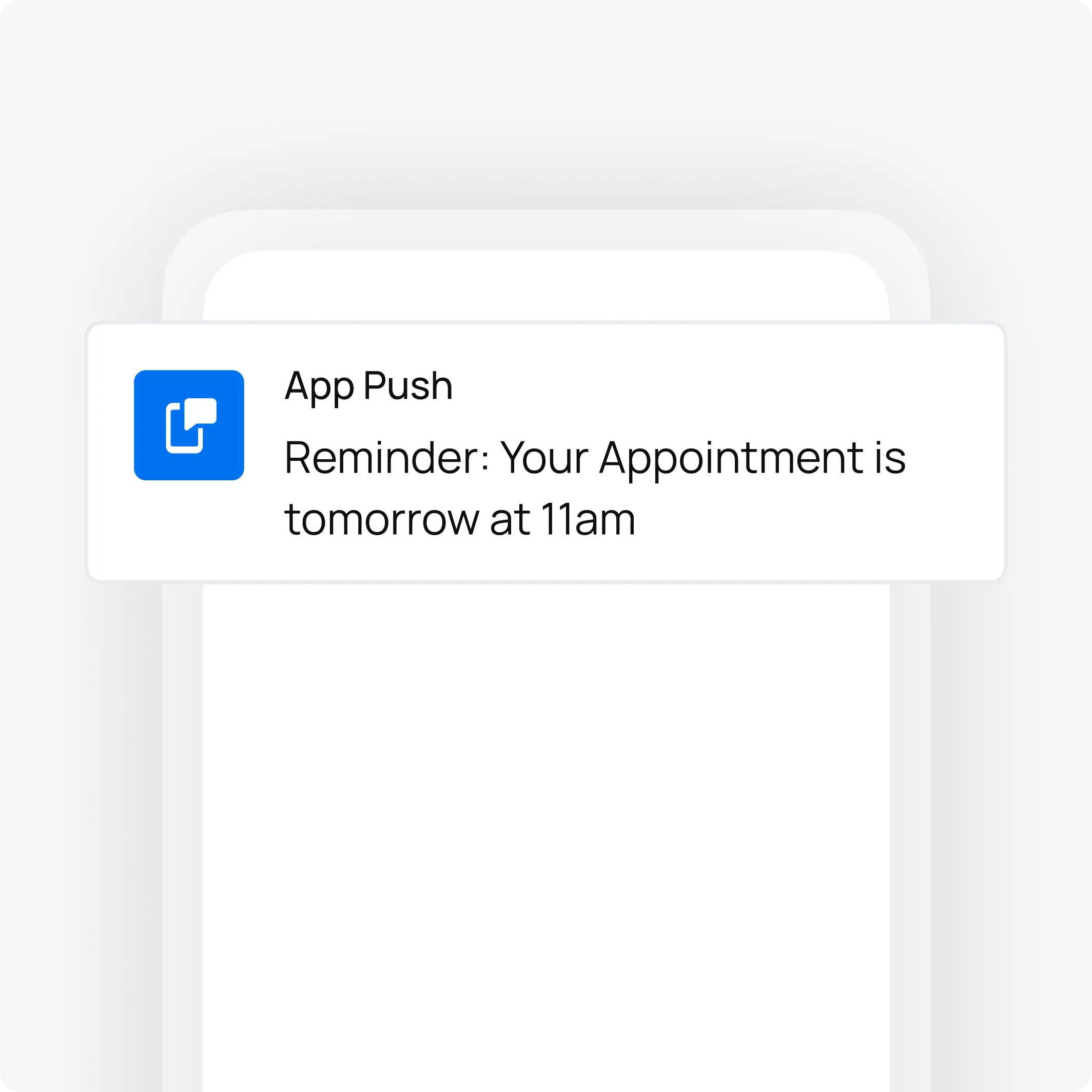
App Push
Notifications that reach the phone even when the app is closed, with a direct link to the screen you choose.
- Smartphone
- Tablet

USE CASES
Push Notifications
Use Cases
Learn more about indigitall AI
SUCCESS STORIES
Chosen by Brands
All Over The World
Success Stories


"indigitall improved our customers' experience with the development of a powerful WhatsApp bot. Since we put it into production, calls to our customer service have decreased, and customer satisfaction increased by implementing this new service channel. Their support always resolves issues that arise quickly and effectively."

+41%
Higher Promotional Sales Achieved with Whatsapp
See how Real Madrid and Atletico Madrid took advantage of indigitall's Whatsapp Chatbots to boost fan engagement and sales.

CUSTOMER JOURNEY
Channel Orchestration System? Sounds Perfect
Optimize your communications and marketing campaigns from a single platform. AI ensures maximum conversion rates through automation and personalized content on each user's favorite channels.


INBOUND & OUTBOUND channels
Channels That Reach
Users Wherever They Are
Datatalk


CDP

AI Voice
AI Agents
Chatbot

Encrypted Push Notifications

SMS/RCS


Web Engagement

Telegram

Web Customization

Mobile App Engagement

Facebook Messenger
App Customization
Push Notifications
Datatalk
Learn more

Learn more
Hey! Check your exclusive deal.
Hey! Check your exclusive deal.

CDP
Learn more
CDP
Unify Your Data
Unify Your Data

AI Voice
Learn more
AI Voice
How Can I Help?
How Can I Help?

AI Agents
Learn more
AI AGENTS
How Can I Help?
How Can I Help?
Chatbot
Learn more
AI Chatbot
How can I help you today?
How can I help you today?

Encrypted Push Notifications
Learn more
Encrypted Push Notifications
How can we help you today?
How can we help you today?

SMS/RCS
Learn more
SMS/RCS
Your order is on the way!
Your order is on the way!

Learn more
Special offer inside!
Special offer inside!

Learn more
24h left! Don’t miss out.
24h left! Don’t miss out.

Web Engagement
Learn more
Web Engagement
Welcome back! Check this out
Welcome back! Check this out

Telegram
Learn more
Telegram
Sale live now! Tap here.
Sale live now! Tap here.

Web Customization
Learn more
Web Customization
Enrich your website messages
Enrich your website messages

Mobile App Engagement
Learn more
Mobile App Engagement
New features just dropped!
New features just dropped!

Facebook Messenger
Learn more
Facebook Messenger
Need help? We’re here!
Need help? We’re here!

App Customization
Learn more
App Customization
Add images, videos & more
Add images, videos & more

Push Notifications
Learn more
Push Notifications
Combine this item with many more
Combine this item with many more
More about push notifications
How do you get more users to accept push notifications?
Push notifications only reach people who gave permission, so everything starts with when and how you ask.
Asking the moment someone lands on the site usually gets the request blocked.
With indigitall, you ask at a relevant moment, for example after the user has read a couple of articles, and you let them choose the topics they want, so every push feels relevant.
| Situation | What to do | Why |
|---|---|---|
| Web on Chrome | Do not ask for permission on page load | If many users block it, Chrome starts showing the request quietly, as a small icon in the address bar |
| Web on iPhone and iPad | Invite users to add the site to the Home Screen and ask with a button | Since iOS 16.4, web push only reaches sites saved to the Home Screen |
| An existing audience | Send each topic only what it asked for | Since October 2025, Chrome can revoke permission from sites with very low interaction and high send volume |
What does it take to integrate the push SDK in an app or a website?
indigitall has an SDK for each platform, and the Android, iOS and web SDKs also bring in-app messages, the inbox and Customer Journey events.
| Where | How it is integrated |
|---|---|
| Native apps | Android SDK and iOS SDK |
| Cross-platform apps | Flutter, React Native, Cordova, Ionic and Capacitor, .NET MAUI and Xamarin SDKs, plus Titanium (legacy) |
| Web | Web SDK, with two files on your server and the code on the page or in Google Tag Manager; also a WordPress plugin and a Shopify app |
When a user logs in, the app or site sends their customer ID, and the platform turns it into an externalId, an encrypted identifier that links all their devices. That way you can send a personalized push to their phone, tablet or computer.
FAQs: push notifications with indigitall
Can you send push notifications based on a user's location?
Yes. With indigitall, a push campaign can target areas drawn on a map or uploaded as polygons in a CSV, and it can also go out by geofencing, when the user approaches a point of interest. For that, the user has to grant location permission and have location services turned on, and on Android the app has to show Google's prominent disclosure before asking for background location.
How do you know which devices no longer receive pushes?
With indigitall's push statistics. They show sendings, delivery rate and CTR for each campaign, and the CSV by device includes the push provider's response, for example 410 when the user has unsubscribed. With that list you can review the audience and stop counting devices that no longer respond.
What can a push notification include?
In indigitall, a title of up to 60 characters and a body of up to 400, a JPG or PNG image of up to 2 MB or a GIF of up to three images, and an action on tap: open an app screen with a deep link, open a web page, call or share (web push only opens a web page). An expiration time retries the push on devices that were offline.