indigitall Omni AI
 Start chat with AI agent
 Speak with AI voice agent
 Book a Demo


 Speak to an Expert














Channels / Email
Email Campaigns that
Drive Engagement, Conversions
& Customer Loyalty
Powering millions of omnichannel interactions every single month.


SOLUTIONS
Get More
From Every Email
You Send

Convert More Customers
Turn your email list into your most powerful revenue channel with our intelligent email marketing.

Automate Email Journeys
Nurture leads and customers with perfectly timed, behavior-triggered email sequences that feel personal, not robotic.

AI-Powered Optimization
Our AI analyzes your campaigns in real-time to ensure every email performs at its peak potential.

Integrate Seamlessly With Your Tech Stack
Connect email with your CRM, ecommerce platform, and other marketing channels for a unified customer view.
SOLUTIONS
The Complete
Email Marketing Solution
Email Marketing
 Dynamic content that personalizes at scale
- Automated A/B testing
- Real-time performance analytics
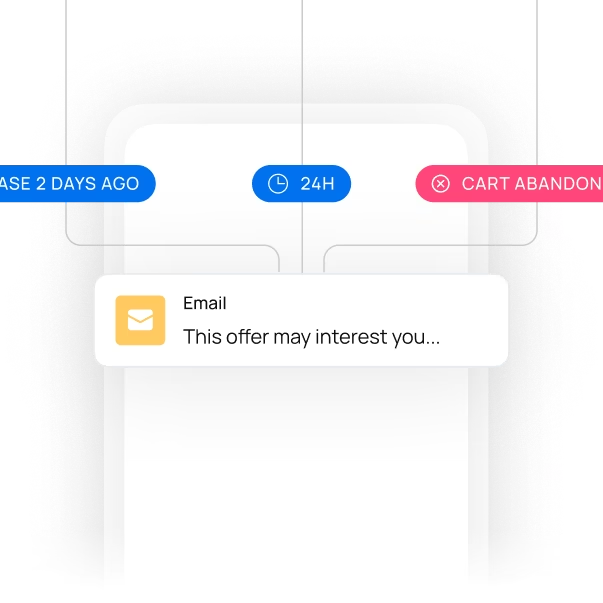
Automated Email Journeys
- Drag-and-drop journey builder
- Smart segmentation
- Multi-touch nurturing campaigns
- Cart abandonment and win-back sequences
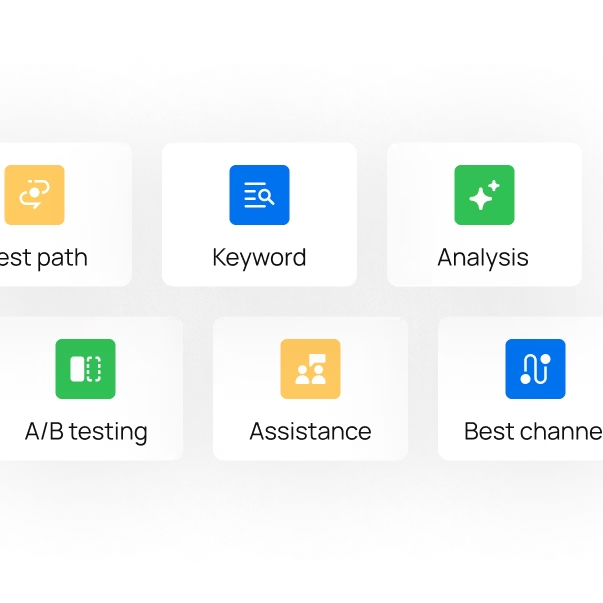
AI-Powered Optimization
- Predictive send-time optimization
- Generative AI content creation
- Performance analytics
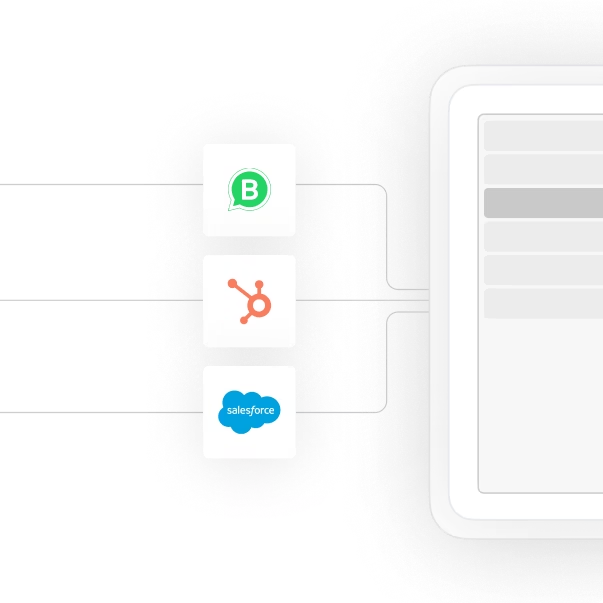
Seamless Integration
- Native integrations with major platforms
- API access for custom connections
- Data synchronization across channels

USE CASES
Email
Use Cases
SUCCESS STORIES
Chosen by Brands
All Over The World


I have been using indigitall for five years, and I can only recommend it to any marketing professional. It is a fundamental tool in our daily operations for communication and interaction with our entire audience.


20%
Reduction in Customer Service Operating Costs
“indigitall’s platform has helped us to build a custom solution to increase the satisfaction and LTV through Whatsapp.”


“The best thing about indigitall is the closeness; the person who talk to us are always there for what we need. The interface is very simple and user-friendly, which makes the work easier. It is a tool designed for the user.”


"indigitall improved our customers' experience with the development of a powerful WhatsApp bot. Since we put it into production, calls to our customer service have decreased, and customer satisfaction increased by implementing this new service channel. Their support always resolves issues that arise quickly and effectively."

See how Real Madrid and Atletico Madrid took advantage of indigitall's Whatsapp Chatbots to boost fan engagement and sales.


"indigitall has enabled us to strengthen our company’s digital strategy, substantially improving the experience of our existing customers by establishing more personal, contextualized, and segmented communications through the digital web notifications platform."


"Working with the Indigitall platform, especially Web Push, has been a highly valuable experience. Automated campaigns, retargeting, AI-based emails, and many other options allow for highly efficient, effective, and personalized communication through this platform. I highly recommend it."


"The truth is that we have been using it in the company where I work for the last 3-4 years, and the platform is very intelligible and adapts to our needs as a means of communication. It offers a fast service, and we have rarely detected errors. In that case, the indigitall team has resolved the problem very quickly."


"It increased the possibilities of interaction with my clients, opening new channels and new functionalities, which led to an incremental improvement in many business ratios."

CUSTOMER JOURNEY
Channel Orchestration System? Sounds Perfect
Optimize your communications and marketing campaigns from a single platform. AI ensures maximum conversion rates through automation and personalized content on each user's favorite channels.
More about email
What do you need to set up for good email deliverability?
- 1With indigitall, each client sends from its own dedicated IP, so its reputation depends only on its own history, not on other senders.
- 2Before the first send, the support team shares the DKIM, SPF and domain ownership token values, and you add them to your DNS.
- 3Then the IP is warmed up gradually, starting with your most engaged users.
| Step | What you do | What to know |
|---|---|---|
| Authenticate the domain | Add the DKIM, SPF and ownership token values to your DNS | Gmail and Yahoo require SPF and DKIM from senders of more than 5,000 emails a day |
| Warm up the IP | About 5,000 emails on day one and roughly 20% more each day | It usually takes 2 to 6 weeks; after more than 15 days without sending, the IP needs warming again |
| Make unsubscribing easy | A visible unsubscribe link in every email | Gmail and Yahoo also expect a spam rate below 0.10% |
| Show your logo in the inbox | BIMI, with DMARC at quarantine or reject and a VMC | Gmail, Yahoo and Apple Mail show it, among others; Outlook does not |
How do you keep an email list clean?
indigitall validates every address automatically: it checks the syntax, the health of the domain and test prefixes such as test@.
An address that hard bounces is marked not valid at the first failure, and one that piles up three soft bounces is too.
Advanced validation, which catches nonexistent, disposable and spam-trap addresses, is optional and turned on by the support team.
| Signal | What indigitall does | What to do |
|---|---|---|
| Hard bounce | Marks the address not valid and blocks later sends | Keep hard bounces below 0.5% |
| Spam complaint or earlier unsubscribe | Blocks the send before it goes out | Clean bounces and unsubscribes from your lists after every campaign |
FAQs: email marketing with indigitall
When should you stop emailing inactive subscribers?
indigitall's email best practices recommend that you consider removing contacts who have not engaged with any of the last five campaigns. Low engagement hurts the sender's reputation, and AI filters at mailbox providers can turn it into soft bounces. During an IP warm-up it matters even more: the first sends should go to the most engaged users.
Can you design an email without knowing HTML?
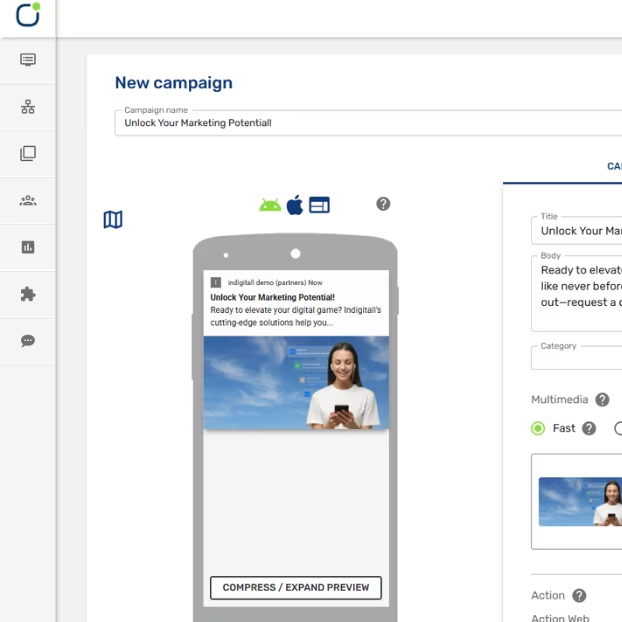
Yes. indigitall's email builder lets you drag and drop text, images, buttons and columns, with desktop and mobile views. If you prefer code, you can use the HTML editor or upload a file. Keep the HTML under 100 KB, because Gmail clips messages larger than 102 KB.
Can you add attachments and a legal footer to emails?
Yes. When you set up a campaign in indigitall, you can upload attachments and choose an HTML footer, which the support team can create for you. Emails are also personalized with variables, such as each contact's name, that come from a CSV or from your customer fields.
Why is an email open rate not exact?
Because an open is an estimate: image blocking, Apple Mail's privacy protection and security scanners can hide real opens or count opens that are not real. That is why, in indigitall, the most reliable signal is the click, tracked on the email's standard links. Delivered means accepted by the receiving server, not necessarily placed in the inbox.