indigitall Omni AI
 Start chat with AI agent
 Speak with AI voice agent
 Book a Demo


 Speak to an Expert












Channels / Mobile App Engagement
Transform App Engagement
With indigitall’s Mobile Messaging
Powering millions of omnichannel interactions every single month.


SOLUTIONS
Maximize App NPS,
Engagement, and Retention
With One Simple Integration

Engage in Real-Time
Deliver timely, contextually relevant messages directly within your app.

Centralize Communication
Provide users with a dedicated space to view and manage messages.

24/7 In-App Chat Support
Enhance user experience with AI-powered chatbots that provide instant support and engagement.

Tailor Your User’s Experiences
Personalize the in-app experience by dynamically adjusting content based on user behavior and preferences.
SOLUTIONS
From First Open to Loyal Users:
Features That Deliver
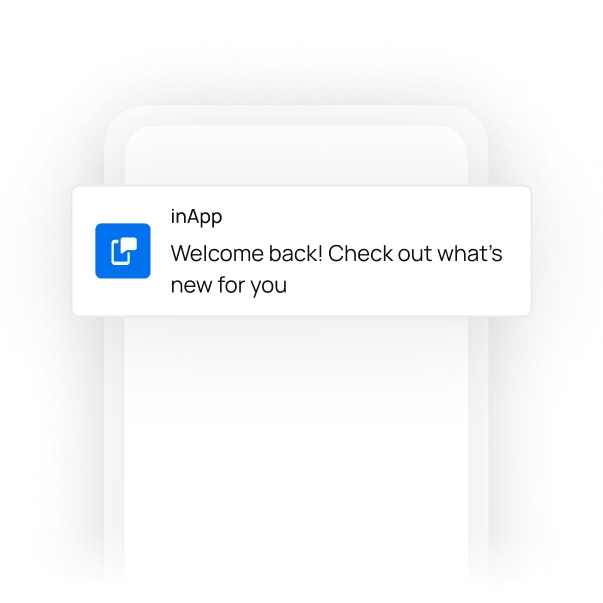
In-App Notifications
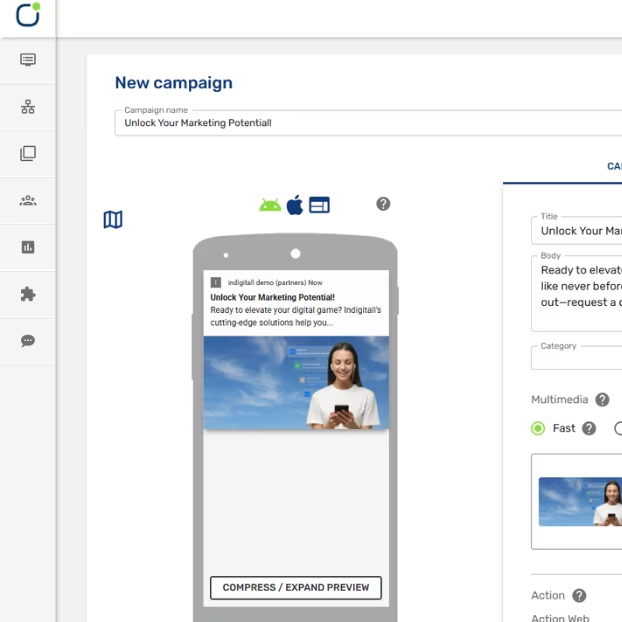
Messages shown inside your app while the user is active, in a space you define, triggered by clicks, views or time in the app.
 Real-time alerts for updates, offers, and reminders
- Create templates that match your brand
- Trigger-based notifications for personalized notifications
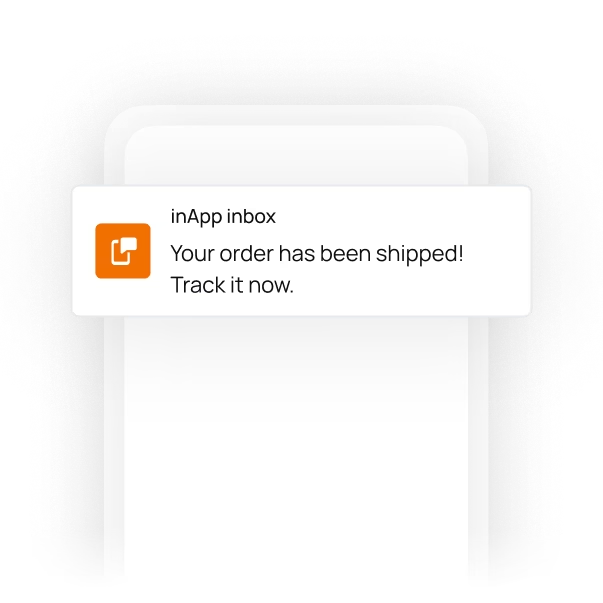
In-App Inbox
- Persistent message storage for easy access
- Categorization of messages for better organization
- Seamless integration with other app features
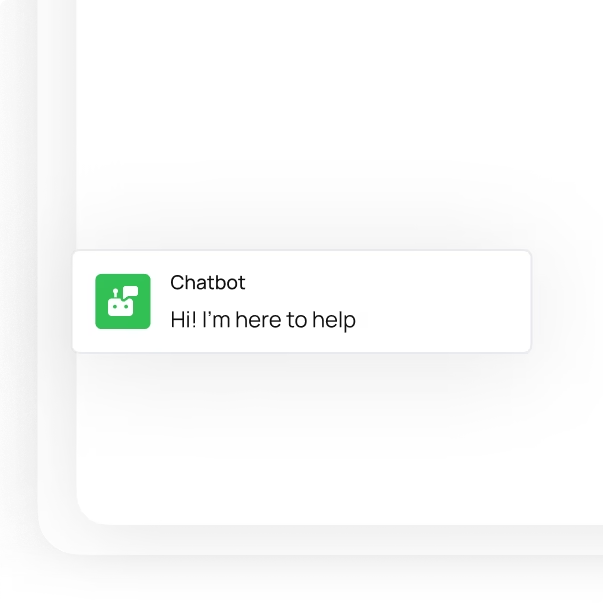
Chatbots
- Natural language processing for intuitive interactions
- Customizable workflows to align with your needs
- 24/7 availability for continuous user support
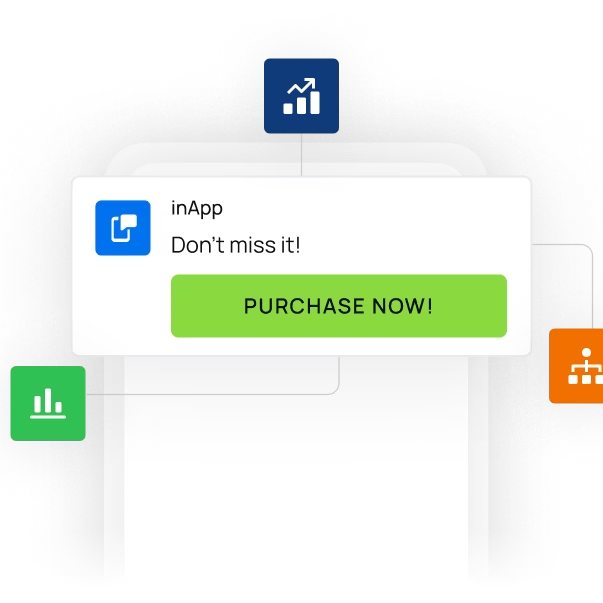
Dynamic In-App Content Customization
- Dynamic content updates based on real-time data.
- User segmentation for targeted content delivery.
- A/B testing to optimize content performance.

USE CASES
Mobile App Engagement
Use Cases
Learn more about indigitall AI
SUCCESS STORIES
Chosen by Brands
All Over The World
Success Stories


I have been using indigitall for five years, and I can only recommend it to any marketing professional. It is a fundamental tool in our daily operations for communication and interaction with our entire audience.


20%
Reduction in Customer Service Operating Costs
“indigitall’s platform has helped us to build a custom solution to increase the satisfaction and LTV through Whatsapp.”


“The best thing about indigitall is the closeness; the person who talk to us are always there for what we need. The interface is very simple and user-friendly, which makes the work easier. It is a tool designed for the user.”


"indigitall improved our customers' experience with the development of a powerful WhatsApp bot. Since we put it into production, calls to our customer service have decreased, and customer satisfaction increased by implementing this new service channel. Their support always resolves issues that arise quickly and effectively."

See how Real Madrid and Atletico Madrid took advantage of indigitall's Whatsapp Chatbots to boost fan engagement and sales.


"indigitall has enabled us to strengthen our company’s digital strategy, substantially improving the experience of our existing customers by establishing more personal, contextualized, and segmented communications through the digital web notifications platform."


"Working with the Indigitall platform, especially Web Push, has been a highly valuable experience. Automated campaigns, retargeting, AI-based emails, and many other options allow for highly efficient, effective, and personalized communication through this platform. I highly recommend it."


"The truth is that we have been using it in the company where I work for the last 3-4 years, and the platform is very intelligible and adapts to our needs as a means of communication. It offers a fast service, and we have rarely detected errors. In that case, the indigitall team has resolved the problem very quickly."


"It increased the possibilities of interaction with my clients, opening new channels and new functionalities, which led to an incremental improvement in many business ratios."

CUSTOMER JOURNEY
Channel Orchestration System? Sounds Perfect
Optimize your communications and marketing campaigns from a single platform. AI ensures maximum conversion rates through automation and personalized content on each user's favorite channels.
More about Mobile App Engagement
What is the difference between push notifications, in-app messages and an app inbox?
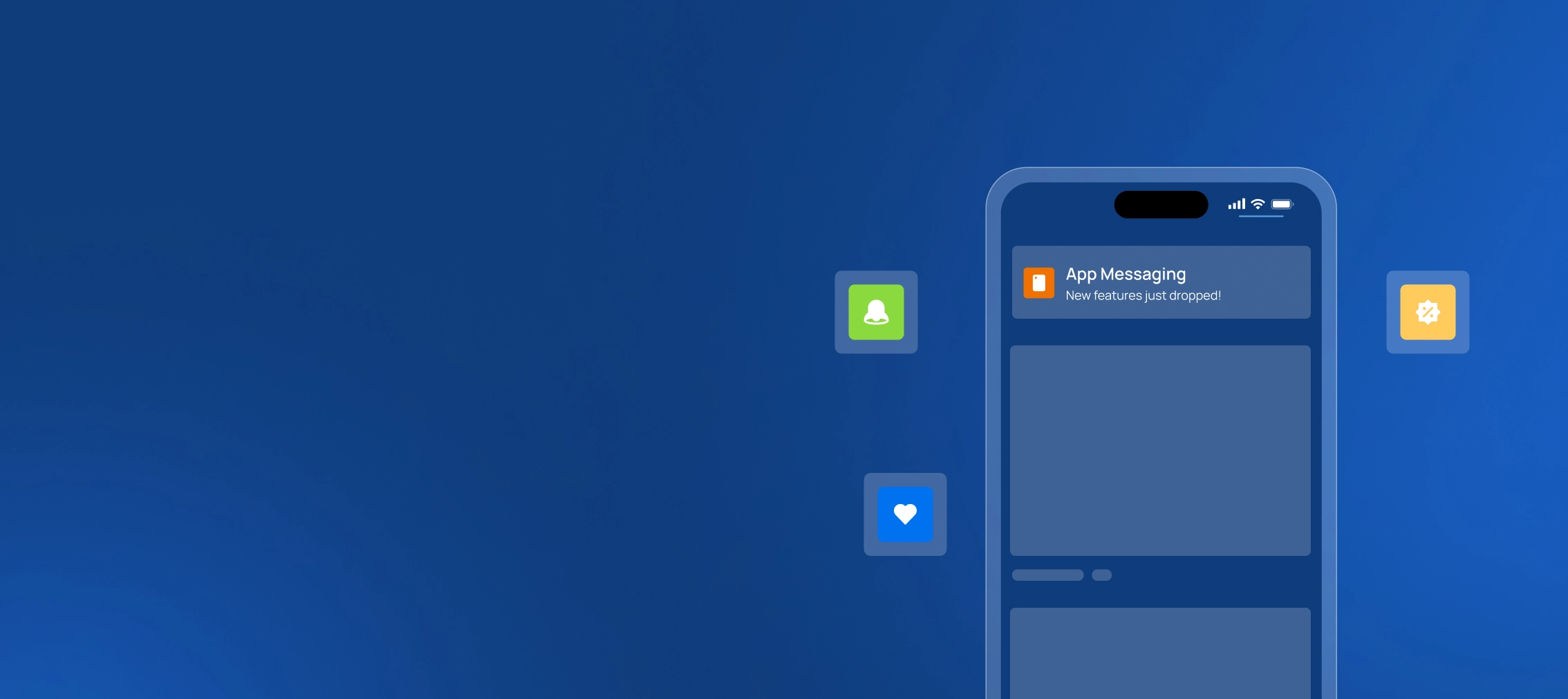
With indigitall, an app has four ways to talk to its users, and all of them come with indigitall's Android and iOS SDKs.
A push shows up outside the app; in-app messages appear inside it while it is in use; the inbox keeps what the user wants to see again; and a Live Activity keeps a changing process up to date.
In-app messages can be personalized by topic, location and device.
- App push
- Live Activity
- In-app message
- Inbox
| Format | Where it appears | What it is for |
|---|---|---|
| App push | On the phone's screen, even when the app is closed | Bringing the user back to a specific screen |
| In-app message | In a space reserved inside the app, at the size your team defines | Guiding, informing or promoting; shown by clicks, views or time in the app |
| Inbox | In an inbox inside the app, always at hand | Keeping tickets with a QR code, the history of alerts, an order's status or a promotion |
| Live Activity | On the lock screen and in the Dynamic Island | Following a delivery, a game or a flight's boarding in real time without a push for every change |
FAQs: mobile app engagement with indigitall
Do you need a deep link for a push to open the right screen?
Yes. In indigitall, a push's "open app" action takes the user to the screen set in the deep link, for example a product page or an order's status. If the push has no deep link, the app opens on its main screen, and the user has to find on their own whatever the push was about.
How do you launch a welcome series in an app?
With indigitall's welcome sending, the first push goes out automatically as soon as the user subscribes to notifications. For a series of several steps, a Customer Journey chains messages with waits in between. And if the user stops coming back, a loyalty send reaches them once the time without visits that you chose has passed.
What is a Live Activity, and which phones support it?
It is an indigitall push format that stays on the lock screen and in the Dynamic Island and updates in real time, for example with a package's location or a game's score, without a new notification for every change. It works on iOS 18 and on Android 5.0 or later, with up to five per app and device.
How do you measure whether an in-app message works?
With indigitall's in-app and in-web statistics, which show how many times each campaign was displayed and clicked and its CTR, and download as CSV by date, by campaign or by device. If the message includes a form, the data it collects is exported from the campaign list for the dates you choose.