indigitall Omni AI
 Start chat with AI agent
 Speak with AI voice agent
 Book a Demo


 Speak to an Expert














Integrations
Integrations That
Run Like Silk
Connect with your existing eco-system to automate, personalize, and optimize your messaging across multiple channels.
 CRM & Marketing Automation
- E-commerce & CMS Platforms
- API & Webhooks for Custom Integrations

Connect All Your Platforms
Like A Breeze
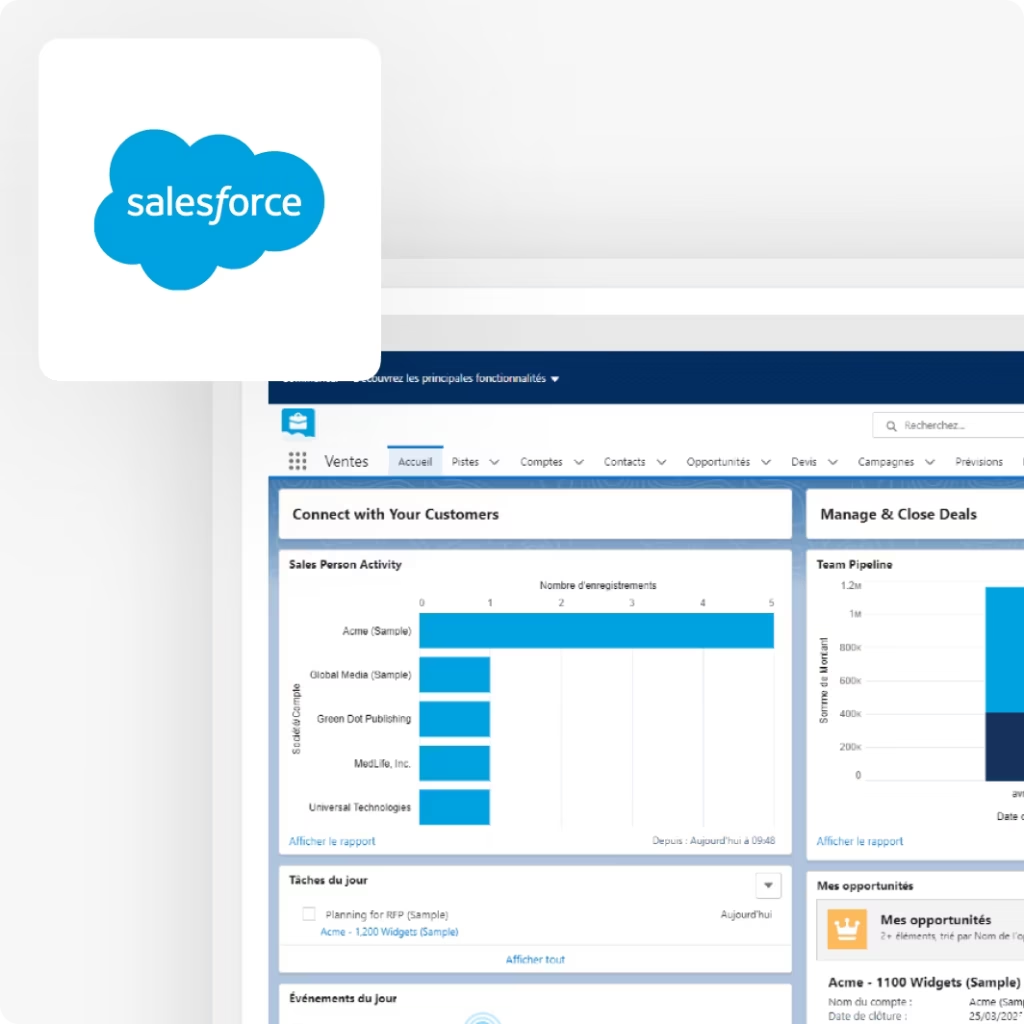
Salesforce Integration
01
- Send PKPASS files
- Improve the customer experience
- Include media-rich images, videos and GIFS
- Increase lead generation with web and app push
- Increase campaign ROI
- Check out real-time analytics
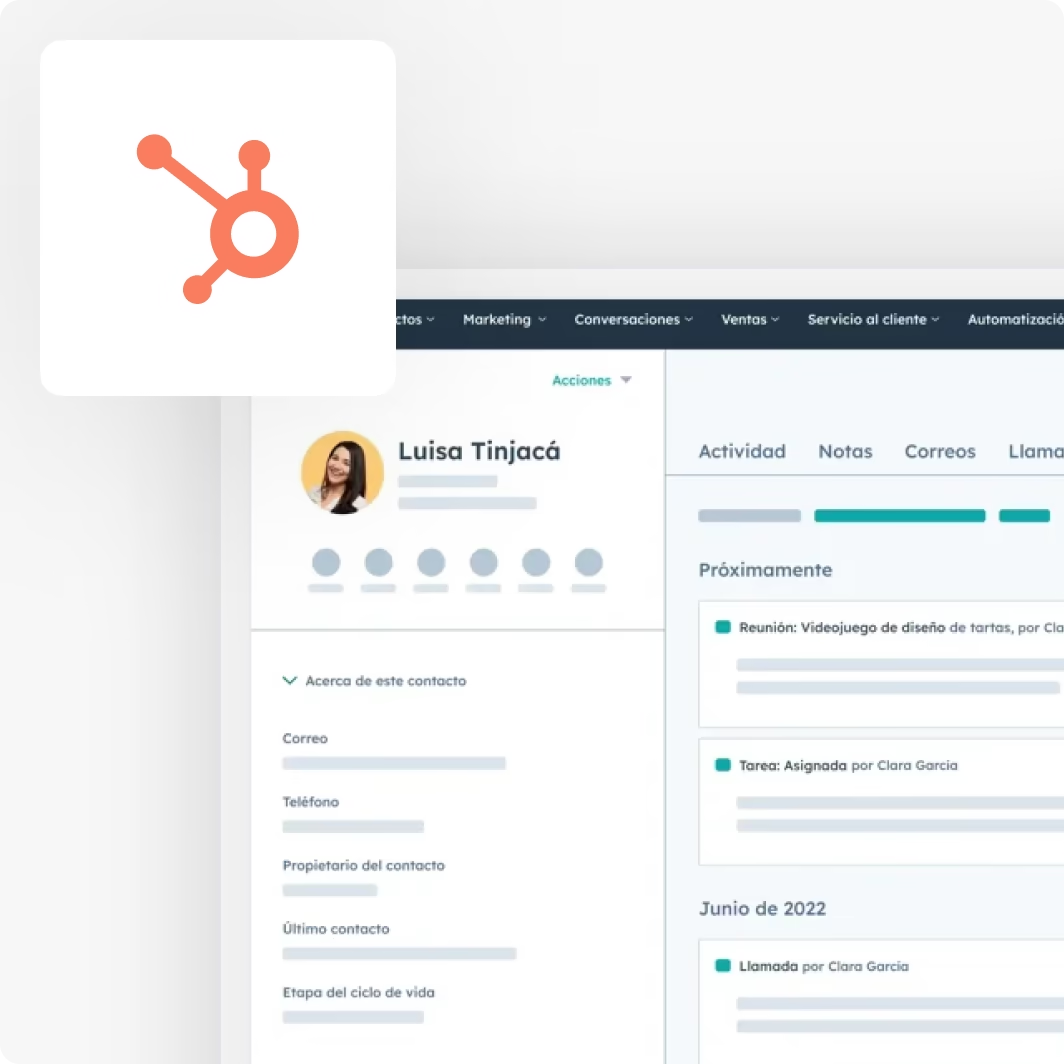
HubSpot Integration
02
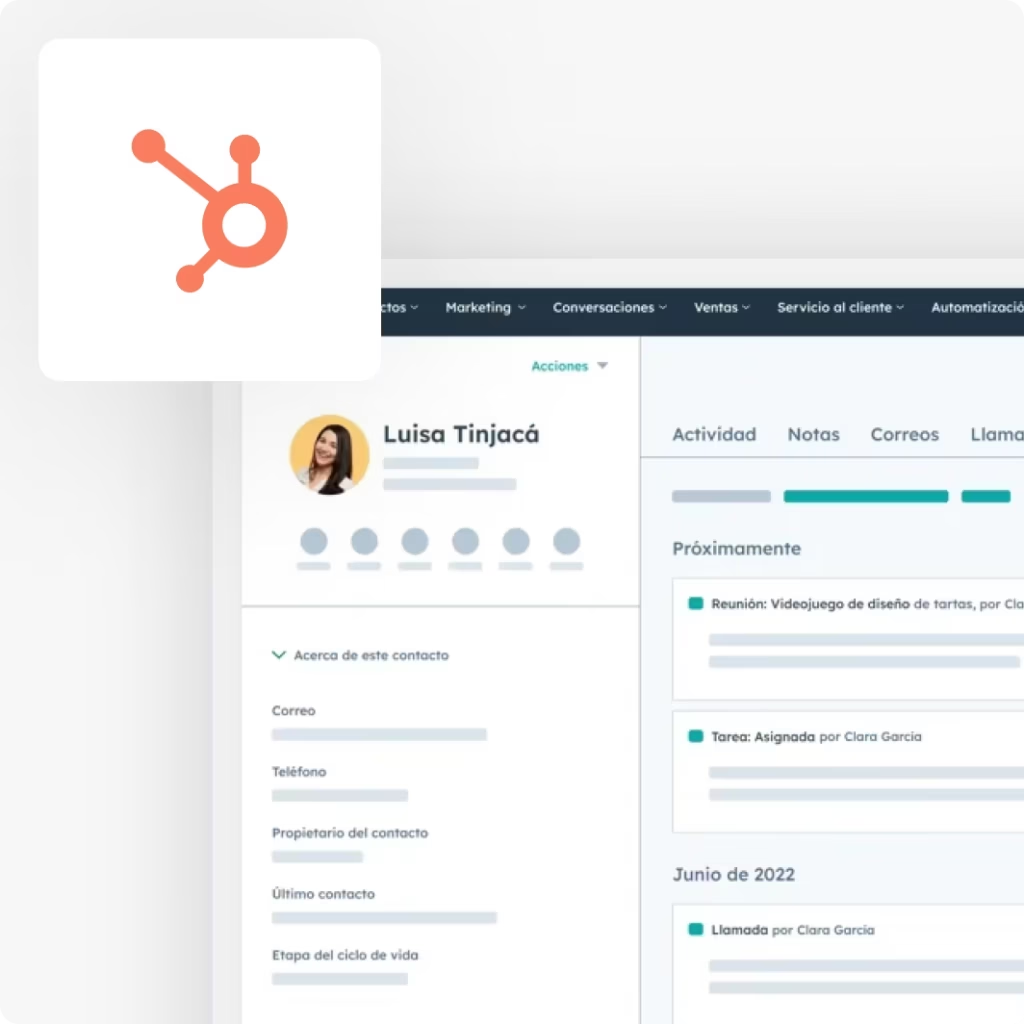
- Segment the audience
- Attract new leads
- Send communications based on customer events, actions
- Full synchronization in workflows
- Retain existing customers
- Access real-time statistics
Other Integrations

Create great conversations for customer service, sales, and marketing teams

Google Analytics
Analyze user behavior across websites and apps to inform data-driven decisions

Adobe Analytics
Combine data from customer touchpoints to gain actionable insights

Facebook Messenger
Engage with customers directly through Facebook’s messaging platform

Connect with your audience via Instagram’s direct messaging

Telegram
Communicate with users through Telegram’s messaging service

comScore
Measure media and marketing activities, enhancing ROI and future decision-making

INTEGRATIONS
The Perfect Match For
Your CRM
 Auto-Sync Data
- CSV Upload
- Cross-Platform Compatibility
- Fully-compatible
More about integrations
At a glance
indigitall integrates with HubSpot, Salesforce Marketing Cloud, Salesforce Service Cloud, Shopify, VTEX IO and WordPress through guides published in its documentation, and with any other system through its REST API, SDKs, webhooks and CSV uploads. Where a guide states which way the data travels, it runs from HubSpot, Salesforce Marketing Cloud and Shopify into indigitall, and from indigitall to your system when a webhook fires.
Connectors with a published guide
- HubSpot
- Salesforce Marketing Cloud
- Salesforce Service Cloud
- Shopify
- VTEX IO
- WordPress
Paths for any other system
- REST API
- SDKs
- webhooks
- CSV uploads
Data to prepare
- a unique ID from your CRM
- a phone number with country code for SMS
- an email address for email
- a deviceId for push
- a customerId for a CSV upload into Customer Journey
Access
- Server Keys with roles per project and an IP whitelist
- console users with the Administrator or User role
Which marketing integrations does indigitall offer, and which way does the data flow?
| System | Data direction | What it does | Channels |
|---|---|---|---|
| HubSpot | From HubSpot to indigitall | A HubSpot workflow runs an indigitall action that launches a campaign created in the console | App and web push, SMS, email |
| Salesforce Marketing Cloud | From Salesforce to indigitall; push send and click actions are logged in a Salesforce data extension | Custom Journey Builder activities | Push and SMS |
| Salesforce Service Cloud | Not described in the guide | An indigitall web app embedded in the Salesforce console with Canvas | Not specified in the guide |
| Shopify | From the store to indigitall | Customer events such as login, productView, addToCart, purchase and checkoutStarted, plus selected Shopify customer fields mapped to indigitall fields | App and web push |
| VTEX IO | Not described in the guide | The indigitall SDK and service worker installed in the store | Web push |
| WordPress | Not described in the guide | A free plugin installed from the WordPress dashboard | Web push |
| REST API and SDKs | Your system calls indigitall | Contacts, campaigns, customer journeys, messages, segmentation and statistics | All channels |
| CSV upload | From your system to indigitall | Lists uploaded in the console, or with customerId into a customer journey | Depends on the list |
| Webhook | From indigitall to your system | A customer journey event triggers an HTTP call to the URL you define | Depends on the journey |
| Google Analytics and Adobe Analytics | The push click carries UTM parameters to your analytics tool | Fixed or dynamic UTM parameters added to the push landing URL | App and web push |
FAQs: indigitall marketing integrations
How does indigitall integrate with a CRM, an ERP or a system we already use?
indigitall has connector guides for HubSpot, Salesforce Marketing Cloud, Salesforce Service Cloud, Shopify, VTEX IO and WordPress. For any other system, the documentation describes three paths: the REST API, the SDKs and CSV uploads. The client's IT team builds the API or SDK integration, with support from indigitall.
Does indigitall sync data both ways with my CRM automatically?
indigitall's documentation describes specific flows, not a general two-way sync. With HubSpot, the flow runs from HubSpot into indigitall through workflow actions. With Salesforce Marketing Cloud, it runs from Salesforce into indigitall, and push send and click actions are logged back in a data extension. Through the API, your IT team moves CRM data into indigitall.
Which ID do I need to match my customers in indigitall?
You pick a unique ID for each customer in your CRM, such as a phone number or an email address. indigitall turns it into an encrypted internal ID called externalCode or externalId. Push also needs the deviceId of each device, and in Customer Journey the unique ID is called customerId.
Can I recover abandoned carts through indigitall's Shopify or VTEX IO integration?
Not confirmed. The Shopify Customer Events guide documents store events such as addToCart and checkoutStarted, but the Shopify app guide carries a note saying retargeting is not currently supported. The VTEX IO guide documents web push and no cart events. Confirm the scope with the indigitall team before planning a recovery campaign.